How to Share Your Bank Statements
You might have joined mid year. Welcome!
If this is the case, QuickBooks might fail to import bank statements from months earlier in the year. This wont happen moving forward because you will have statement on auto-import.
SO, how do you share your statements with me? I am going to have you share a Google folder with me. This folder will be shared with me and, even thought we might not need it again. We can also use this shared folder for future Docs.
STEP 1: Create a Google Folder tiled, “Your Business: Accounting”
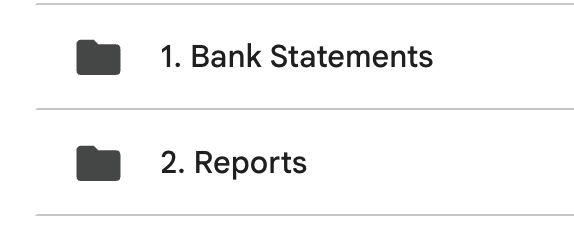
Step 2: Inside this folder create 2 folders for now.
Bank Statements
Here is where you can drop older bank statements I need to access.
Reports
Here is where I can drop statements such profit and loss or income statement.
Step 3: Share with edit privileges to me danielsanchezbooks@gmail.com
Thats it!
I should now have access to your bank statements!
